
Think about how much of your work happens online today. Files are shared through links, meetings happen over video calls, invoices are created digitally, and teams can work on the same document without sitting in the same office.
A lot of this is possible because of cloud software.
Cloud software allows people and businesses to access applications, files, and services through the internet instead of relying entirely on software installed on one computer. You can often log in from a laptop, tablet, or phone and continue working from wherever you are.
For a small business, this can mean avoiding expensive servers and complicated installations. For a larger team, it can make collaboration across offices and locations much easier.
But there is a catch: there are hundreds of cloud-based tools available, and choosing the right one can quickly become confusing.
The best option depends on what your business actually needs. A marketing team may care about collaboration and analytics, while an accounting department may need financial software with strong security and reporting.
Let’s look at what cloud software means, where businesses use it, and what to consider before choosing a platform in 2026.
What Is Cloud Software?
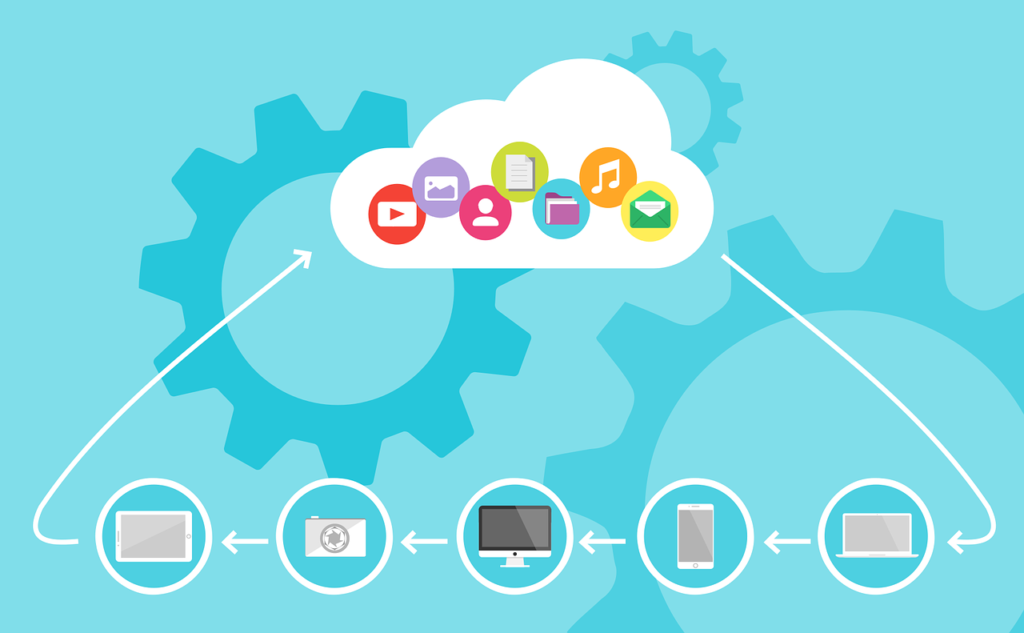
Cloud software is software that is hosted on remote servers and accessed through the internet.
Instead of downloading and installing everything directly on your computer, you usually access the service through a web browser or dedicated app.
Common examples include online document editors, accounting platforms, project-management systems, customer relationship tools, cloud storage services, and communication platforms.
For users, the biggest difference is convenience. You don’t necessarily need to be tied to one computer to access your work.
| Traditional Software | Cloud Software |
|---|---|
| Often installed on individual devices | Usually accessed online |
| Updates may require manual installation | Updates are generally managed by the provider |
| Files may stay on local devices | Data can be stored online |
| Access can depend on the device | Can often be accessed from multiple devices |
| Collaboration may require file sharing | Real-time collaboration is often available |
Cloud software does not eliminate every technical challenge, but it can make many everyday business tasks easier to manage.
Why Businesses Are Moving to Cloud Software
One of the biggest reasons companies adopt cloud tools is flexibility.
A team member can work from home, another can be in the office, and someone else can be traveling. If the software supports their workflow, everyone can still access the same information.
Cloud software can also reduce the need for businesses to maintain their own hardware and software infrastructure.
Another benefit is scalability. A small company can start with a few users and add more as the business grows, depending on the provider’s pricing model.
However, cost should not be the only consideration. A cheap tool that creates extra work or doesn’t integrate with your existing systems may end up costing more in the long run.
1. Cloud Productivity Software
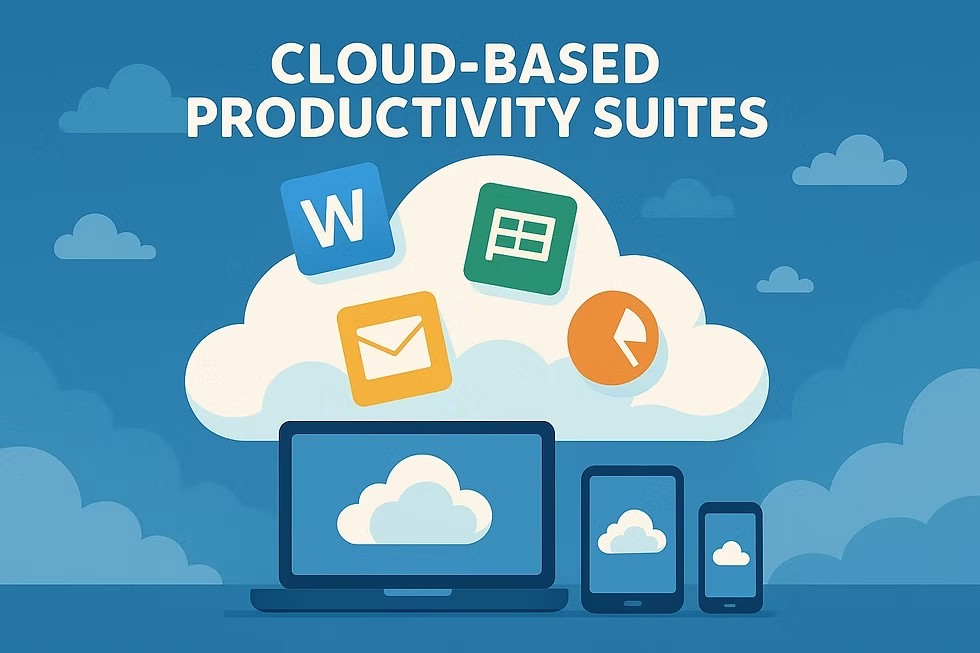
Productivity software is one of the most common categories of cloud applications.
These tools help people create documents, spreadsheets, presentations, notes, calendars, and other everyday work materials.
The biggest advantage is often collaboration. Several people can work on the same file without constantly emailing attachments back and forth.
Imagine preparing a report with three colleagues. Instead of creating four separate copies, everyone can work from one shared document, leave comments, and review changes.
That simple change can remove a surprising amount of unnecessary file management.
2. Cloud Project Management Software
When multiple people are working on a project, keeping track of tasks can become difficult.
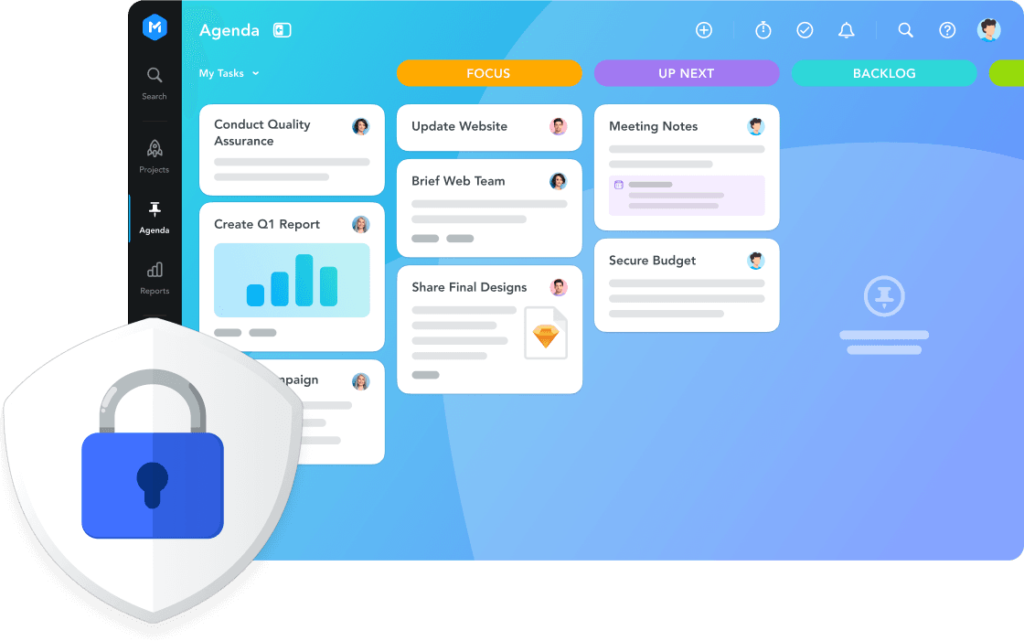
Cloud project-management software gives teams a shared place to organize assignments, deadlines, priorities, and progress.
A typical workflow might look like this:
Project → Tasks → Assigned team members → Deadlines → Progress updates
This is especially useful for marketing campaigns, software development, event planning, content production, and client projects.
The goal isn’t to create more administrative work. A good project-management system should make it easier to answer a simple question: What needs to happen next?
3. Cloud Storage and File Management
Files are at the heart of almost every modern business.
Documents, images, videos, spreadsheets, presentations, contracts, and other files can quickly fill local hard drives.
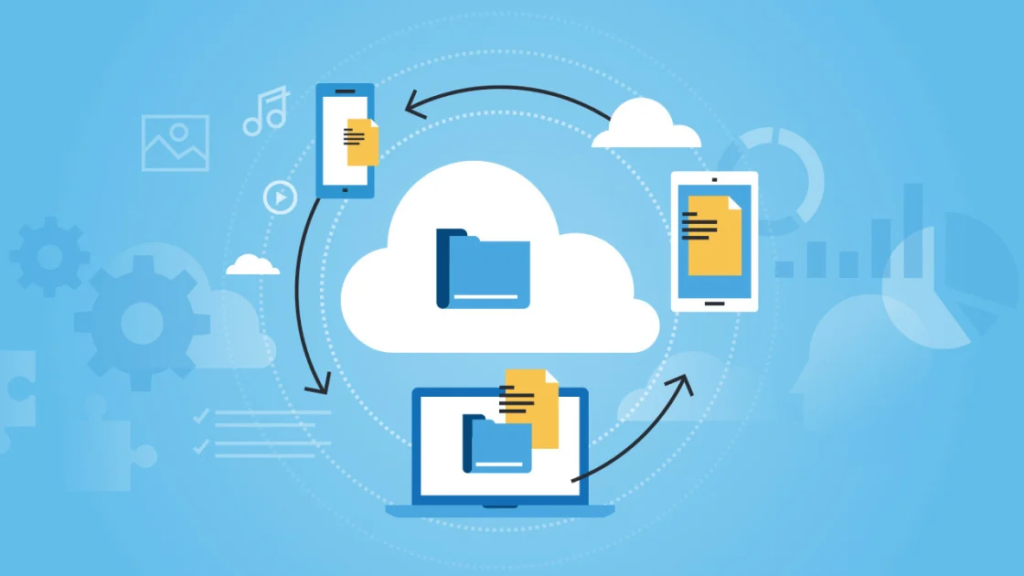
Cloud storage provides an online location for storing and accessing these files.
It can also make file sharing easier. Instead of sending a large attachment, you can often share a secure link and control who can access it.
For businesses, organization is particularly important. A cloud storage system can become messy if everyone creates folders differently.
A simple folder structure and clear file-naming rules can make cloud storage much more useful.
4. Cloud CRM Software
Customer relationship management, or CRM, software helps businesses organize information about customers and prospects.
A CRM can keep track of contact details, conversations, sales opportunities, follow-ups, and customer interactions.
For a growing business, this information can become difficult to manage through spreadsheets alone.
A cloud CRM allows authorized team members to access customer information from different locations.
For example, a salesperson can update a customer record after a call, while another team member can see that update later without asking for the latest spreadsheet.
5. Cloud Accounting and Finance Software
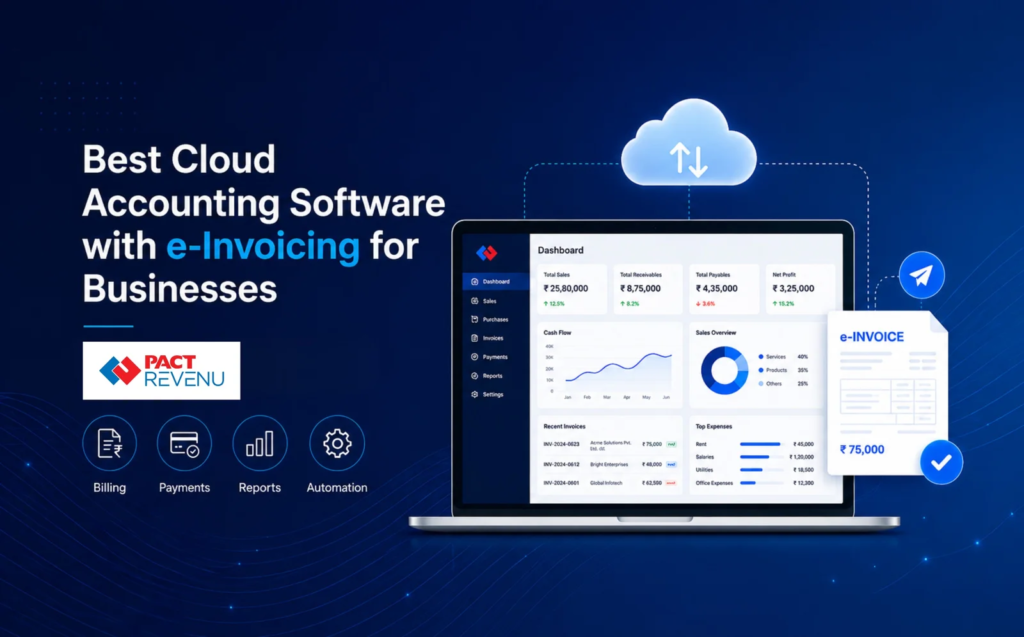
Financial management is another area where cloud software can make everyday work easier.
Cloud accounting platforms can help businesses manage invoices, expenses, financial records, reports, and other accounting tasks.
For small businesses in particular, online accounting tools can reduce the need to maintain complicated local systems.
However, financial data is sensitive. Security should be a major consideration when choosing any accounting platform.
Businesses should also make sure the software supports the tax, invoicing, and accounting requirements relevant to their location.
6. Cloud Communication Tools
Modern teams often communicate through a combination of chat, email, voice calls, and video meetings.
Cloud communication software brings these interactions into digital platforms that can be accessed across devices.
This is particularly useful for distributed teams.
Instead of relying on one communication method, businesses can choose the right format for the situation.
| Situation | Suitable Communication Method |
|---|---|
| Quick question | Team chat |
| Detailed information | Email or shared document |
| Complex discussion | Video meeting |
| Urgent issue | Direct message or call |
| Company-wide update | Announcement platform |
The key is not simply having many communication channels. Teams also need clear expectations about where different types of information should be shared.
7. Cloud Design and Creative Software
Design teams have traditionally relied heavily on powerful computers and locally installed applications.
Cloud-based creative software is changing that workflow by making collaboration and online access easier.
Designers can share files, collect feedback, review changes, and collaborate with clients or colleagues without always having to exchange large files manually.
For agencies and creative teams, this can make the review process much smoother.
A client can leave feedback directly on a design, for example, rather than sending a long email describing which part of the image needs changing.
8. Cloud Data and Analytics Tools
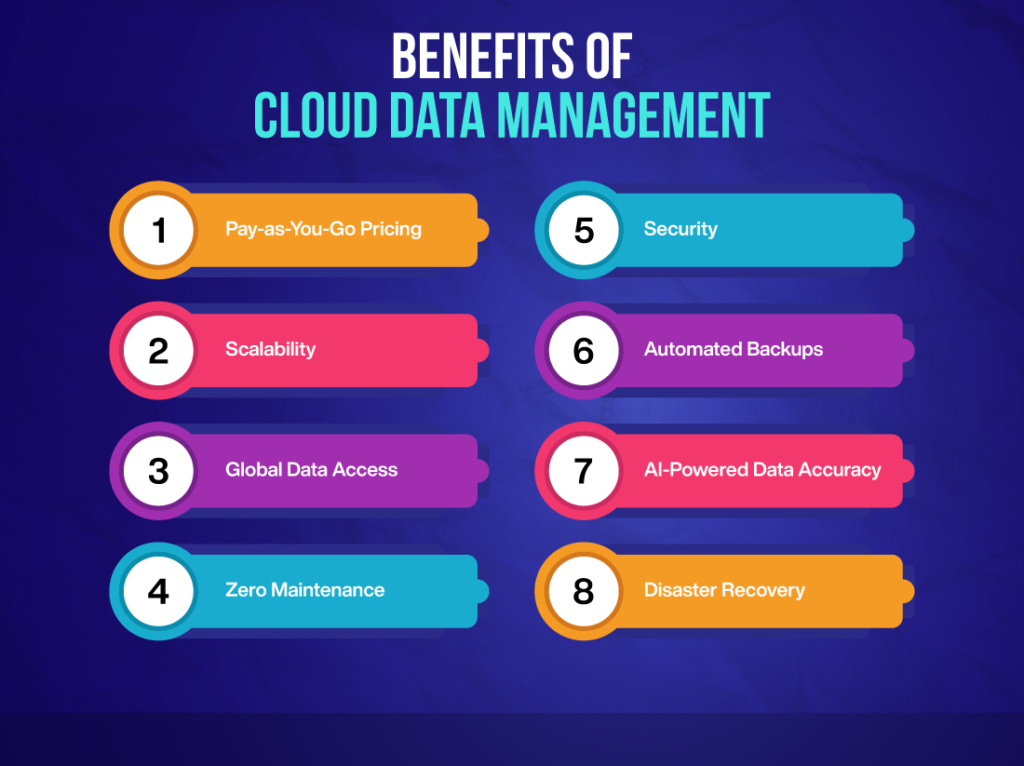
Businesses generate huge amounts of data from websites, sales, marketing campaigns, customer interactions, and internal operations.
Cloud analytics platforms can help teams collect, organize, visualize, and analyze this information.
Instead of waiting for someone to manually prepare a report every week, teams can use dashboards to monitor important metrics.
But dashboards should not become decoration.
A useful dashboard should answer specific business questions, such as:
- Which products are performing well?
- Where are customers coming from?
- Which campaigns are generating results?
- Where are costs increasing?
- What changed compared with the previous period?
Good analytics starts with good questions.
9. Cloud Security Software
As more business information moves online, cybersecurity becomes increasingly important.
Cloud security software can help organizations manage access, monitor activity, protect accounts, and identify potential security issues.
Businesses should consider features such as:
- Multi-factor authentication
- User access controls
- Encryption
- Activity monitoring
- Backup options
- Security alerts
- Regular software updates
Security should be considered before a problem occurs, not after an account has already been compromised.
How to Choose Cloud Software for Your Business

Choosing software based only on a list of features can be a mistake.
Start with the problem you want to solve.
Ask:
What is currently taking too much time?
Where are mistakes happening?
What information is difficult to access?
Which processes require too much manual work?
Once you have clear answers, compare tools against those specific needs.
| Factor | What to Check |
|---|---|
| Ease of use | Can employees learn it quickly? |
| Pricing | Does the cost fit the budget as users increase? |
| Security | How is business data protected? |
| Integrations | Does it work with existing tools? |
| Scalability | Can it support future growth? |
| Support | Is help available when something goes wrong? |
| Mobile access | Can employees work away from their desks? |
| Data portability | Can you export your information if needed? |
Common Mistakes Businesses Make
One common mistake is buying software because it has impressive features rather than because the business actually needs them.
Another is introducing too many tools at once.
If employees have separate apps for messaging, project management, documents, notes, meetings, tasks, and file sharing, they may spend more time switching between platforms than actually working.
Training is another important factor. Even a powerful platform won’t deliver much value if employees don’t understand how to use it.
Finally, don’t ignore data security and privacy. Before moving important business information to a cloud service, understand its security practices, access controls, backup procedures, and data policies.
Making Cloud Software Work Better
The best cloud setup is usually the one people actually use consistently.
Start small. Pick one process that needs improvement and introduce a suitable tool.
For example, a team could begin by moving project tracking into a shared cloud platform. Once employees become comfortable with that workflow, other processes can gradually be improved.
Create simple rules as well.
Decide where documents should be stored, how files should be named, which platform should be used for project updates, and who can access sensitive information.
These small decisions can prevent digital clutter from growing over time.
The Future of Cloud Software
Cloud software is becoming increasingly connected with automation and artificial intelligence.
Instead of simply storing information online, modern platforms can help analyze data, summarize documents, automate repetitive processes, generate reports, and assist with everyday work.
This doesn’t mean every business needs to adopt every new feature.
The real opportunity is using technology to remove repetitive work while keeping people involved in decisions that require judgment, creativity, and context.
For businesses and teams, the future of cloud software is likely to be less about simply moving applications online and more about creating connected digital workflows.

Best Cloud Software for Businesses and Teams in 2026
Think about how much of your work happens online today. Files are shared through links,…
Best Online Privacy & Security Tools in 2026: Top Picks
Let’s be honest about what taking back your digital privacy actually feels like. You read…

Semiconductor Technology Trends 2026: The Future of Chip Innovation
If you are reading this on a phone, a laptop, or even a tablet mounted…

Online Shopping Trends 2026: Smart Ways to Shop for Tech
Let’s be honest about buying electronics online Shopping right now: the sheer volume of options…

Best Coding Software for Developers in 2026: Top Picks
Let’s skip the marketing fluff. You’ve probably opened five different browser tabs trying to figure…

Gaming Accessories 2026: Best Gadgets for a Better Gaming Setup
Let’s be completely honest for a second—building a killer gaming setup can feel like a…