
Smart home technology has become a practical part of everyday life. What once seemed like something from a futuristic movie can now be found in ordinary homes through smart lights, connected speakers, security cameras, smart TVs, thermostats, plugs, appliances, and other devices.
The idea is simple: connect everyday devices to a network so they can be controlled, automated, or monitored more conveniently.
A smart home does not have to mean filling every room with expensive gadgets. Even one or two useful devices can make a noticeable difference. The right setup depends on your lifestyle, home, budget, and the tasks you want to make easier.
What Is Smart Home Technology?
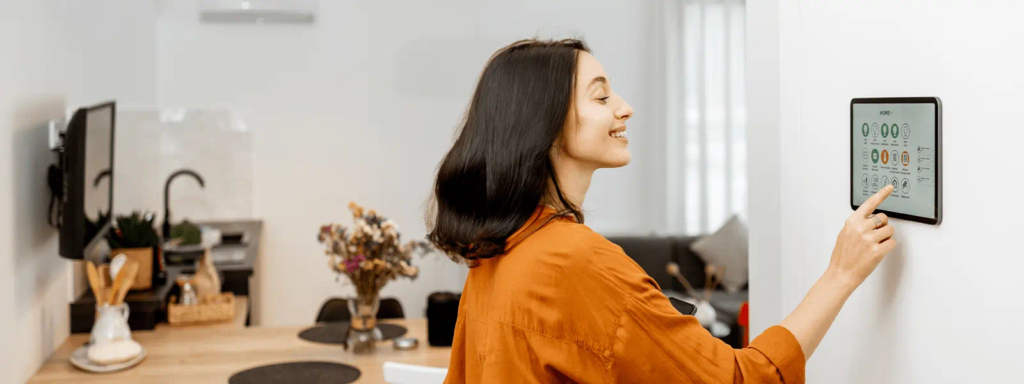
Smart home technology refers to connected devices that can communicate with each other or be controlled through a smartphone, voice assistant, app, hub, or automated routine.
Depending on the device, you may be able to turn something on or off remotely, schedule an action, receive an alert, monitor your home, or create an automatic routine.
For example, a smart light can be scheduled to turn on in the evening, while a smart security camera can send an alert when it detects movement.
The goal is not technology for its own sake. A useful smart home setup should make everyday activities more convenient.
Why Are Smart Homes Becoming Popular?
People have different reasons for adding smart technology to their homes.
For some, convenience is the biggest benefit. Being able to control lights, appliances, or entertainment systems from a phone can make daily routines easier.
Others are interested in home security or energy management. Smart cameras, door sensors, plugs, and thermostats can provide additional ways to monitor and manage a home.
Smart devices can also make routines more personalized. Instead of adjusting several devices separately, users can create simple automations that handle multiple actions together.
Smart Lights for Everyday Convenience
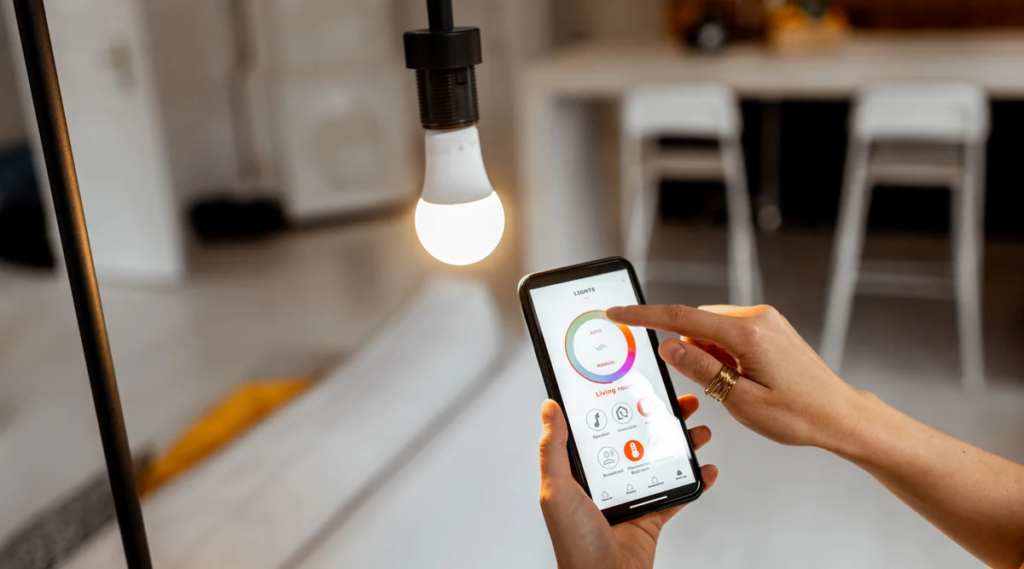
Smart lighting is one of the easiest places to start.
A smart bulb or smart light can often be controlled through an app or voice command. Depending on the product, you may also be able to adjust brightness, change colors, create schedules, or connect lights to other smart-home routines.
For example, you could schedule bedroom lights to turn on in the morning or set living-room lights to switch off automatically at a particular time.
If you are new to smart home technology, lighting can be a relatively simple way to experience connected-home features without changing your entire setup.
Smart Plugs and Switches
Sometimes you do not need to replace an existing appliance with a smart version.
A smart plug can add connected functionality to certain devices that use a standard electrical connection.
You may be able to control the plug through an app, create schedules, or include it in an automation routine, depending on the product.
For example, a lamp connected to a smart plug could be scheduled to turn on at a particular time.
Before using a smart plug with an appliance, always check the device’s power requirements and the smart plug’s rated capacity.
Smart Speakers and Voice Assistants
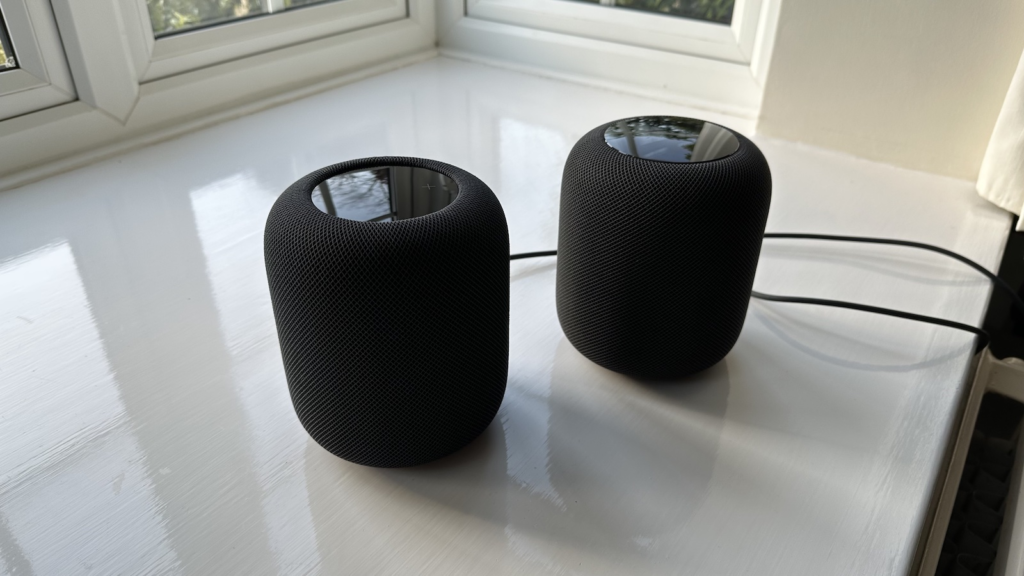
Smart speakers can act as convenient control points for compatible smart-home devices.
Instead of opening an app, users may be able to use voice commands to control lights, check information, play music, set reminders, or interact with supported devices.
The usefulness of a smart speaker depends partly on compatibility. Before buying one, check whether it works with the devices you already own or plan to purchase.
Voice control can be especially convenient when your hands are busy or when you want to control several devices without reaching for your phone.
Smart Home Security Devices
Home security is another major area of smart-home technology.
Smart security products can include:
- Security cameras
- Video doorbells
- Door and window sensors
- Motion sensors
- Smart locks
- Alarm systems
- Indoor and outdoor monitoring devices
Many of these products can send notifications to a smartphone when certain events occur.
However, smart security devices should be chosen carefully. Consider video storage, privacy settings, account security, installation requirements, and how the device handles personal information.
Smart Doorbells and Cameras
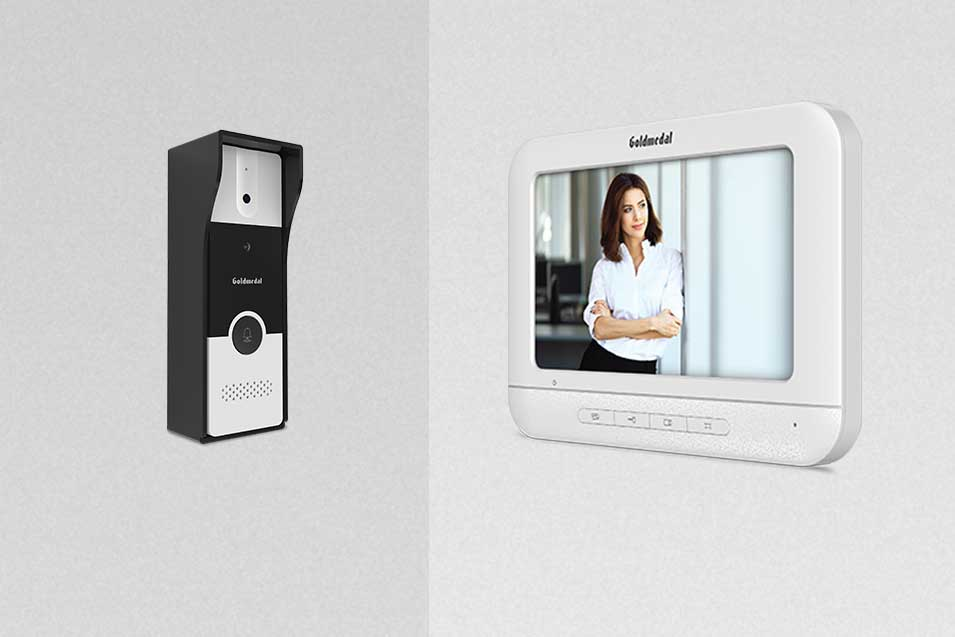
A smart video doorbell can allow homeowners to see or communicate with visitors through a connected device.
Smart cameras can provide remote monitoring and may include features such as motion detection, notifications, night vision, or cloud and local storage.
Not every camera needs to record continuously, and different products handle footage differently.
Before buying one, check where recordings are stored, how long they are retained, whether a subscription is required, and who can access the footage.
Smart Thermostats and Climate Control
Smart thermostats can help users manage heating and cooling more conveniently.
Depending on the model and local compatibility, a smart thermostat may allow temperature adjustments through an app, schedules, sensors, or automated routines.
Some systems can also provide information about energy use.
However, compatibility is important. Heating and cooling systems differ, so check whether a thermostat is designed to work with your existing setup before purchasing one.
Smart Appliances
Smart technology has also moved into household appliances.
Depending on the market and product, you may find connected:
- Refrigerators
- Washing machines
- Ovens
- Air conditioners
- Vacuum cleaners
- Coffee makers
- Air purifiers
The usefulness of a smart appliance depends on the features it provides.
A connected appliance can be helpful when remote monitoring, scheduling, notifications, or automation solves a real problem. If the smart features do not add anything useful to your routine, a conventional appliance may be simpler.
Smart TVs and Entertainment
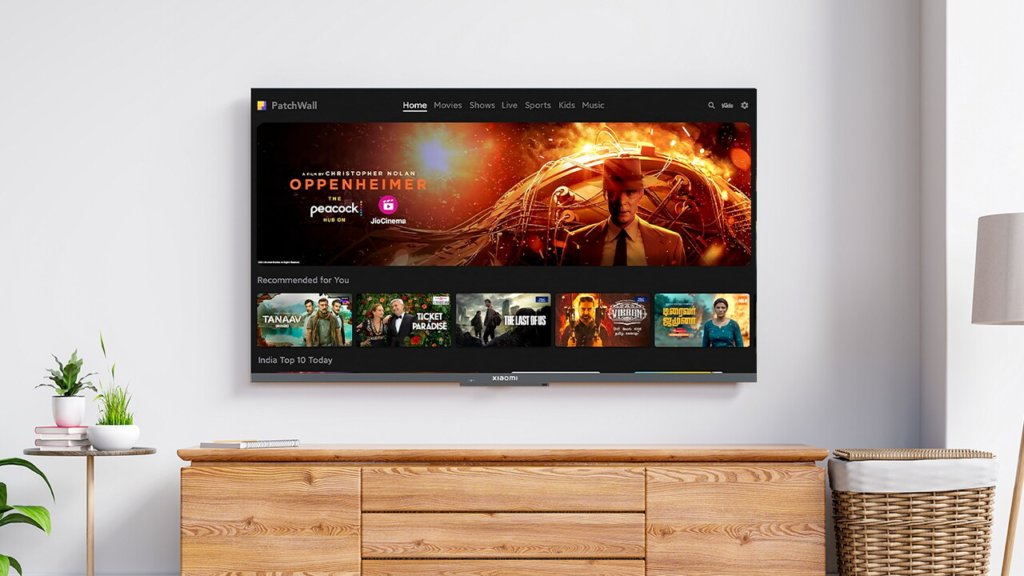
Entertainment is another familiar part of the connected home.
Smart TVs can provide access to streaming services, apps, music, games, and other online content without requiring separate devices for every service.
Smart speakers and other connected devices can also be integrated into entertainment setups.
When choosing a smart TV, look at the operating system, supported apps, display quality, connectivity options, software support, and privacy settings rather than focusing on one feature alone.
Smart Home Hubs and Connectivity
As the number of smart devices grows, managing them can become more complicated.
Some homes use a central hub or platform to connect and control compatible devices. Others rely primarily on individual apps or voice assistants.
Compatibility is one of the most important things to consider when building a smart home.
Before buying a new device, check:
- Which connectivity standard it uses
- Which platforms it supports
- Whether a separate hub is required
- Whether it works with your existing devices
- Whether important features require a subscription
Planning compatibility early can prevent problems later.
Smart Home Automation
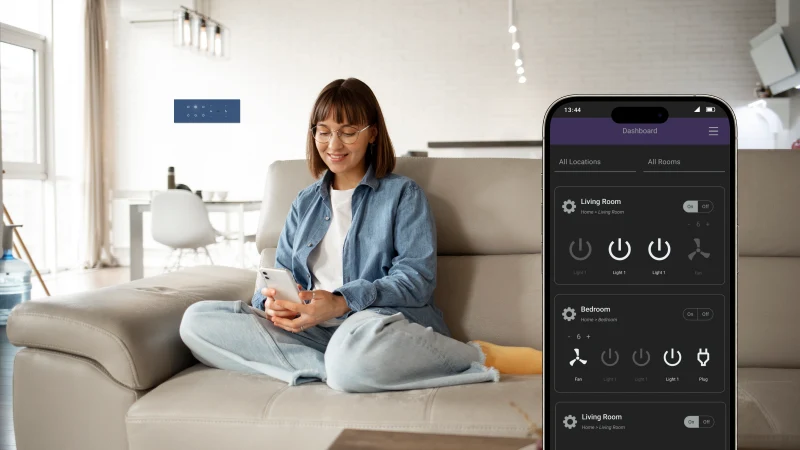
Automation is where a connected home can become especially useful.
Instead of manually controlling individual devices, you can create routines based on time, actions, sensors, or other conditions.
For example, a morning routine could turn on selected lights and adjust another device at a scheduled time.
An evening routine could turn off certain lights and activate other devices.
The best automations are usually the simple ones that solve a repeated everyday task.
Smart Home Technology and Energy Use
Connected devices can also help users understand and manage energy use.
Smart plugs, thermostats, lighting systems, and some appliances may provide information about usage or allow more control over schedules.
However, owning a smart device does not automatically mean lower energy bills.
Energy savings depend on the device, how it is configured, how often it is used, and the behavior of the people in the home.
It is better to think of smart technology as a way to improve visibility and control rather than as a guaranteed source of savings.
Privacy and Security Matter

A connected home creates another important consideration: digital security.
Smart devices can collect information about usage, activity, location, preferences, or other aspects of daily life depending on the product.
Before setting up a device, review its privacy settings and account-security options.
Some basic habits can help:
- Use strong, unique passwords.
- Enable multi-factor authentication when available.
- Keep device software updated.
- Review connected accounts regularly.
- Check app permissions.
- Remove devices you no longer use.
- Use a secure home network.
These steps can help reduce unnecessary security risks.
How to Start Building a Smart Home
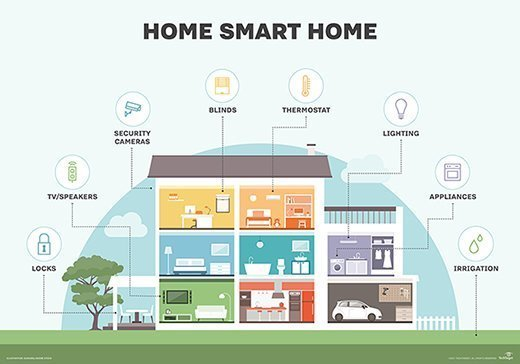
You do not need to buy everything at once.
A better approach is to start with one problem you want to solve.
For example, if you frequently forget to turn off a lamp, a smart plug may be useful. If you want easier lighting control, smart bulbs may be a practical starting point. If home monitoring is your priority, you might explore a doorbell or security camera.
Once you understand how the first device works, you can gradually add compatible products.
How to Choose the Right Smart Home Devices
With so many products available, choosing a device can become confusing.
Start by asking what you actually want the device to do.
Check Compatibility
Make sure the device works with your phone, operating system, smart-home platform, and existing devices.
Look at the Total Cost
The initial price is not always the complete cost. Some products may require subscriptions, hubs, accessories, or professional installation.
Consider Privacy
Check what information the device collects and how that information is stored or used.
Think About Reliability
A smart device should make life easier, not create another problem to manage.
Check Software Support
Connected devices depend on software, so look for information about updates and ongoing support.
Common Smart Home Mistakes
A smart home can become unnecessarily complicated if devices are purchased without a plan.
One common mistake is buying products from different ecosystems without checking compatibility.
Another is purchasing advanced features that are rarely used.
Some people also overlook privacy settings or fail to update devices after installation.
Starting small and building around actual needs can make the experience much easier.
A Simple Smart Home Setup
A basic setup might include:
| Device | Possible Use |
|---|---|
| Smart Bulbs | Remote lighting and schedules |
| Smart Plug | Control compatible appliances |
| Smart Speaker | Voice commands and entertainment |
| Smart Camera | Home monitoring |
| Video Doorbell | Visitor alerts and communication |
| Smart Thermostat | Temperature scheduling |
| Smart TV | Streaming and connected entertainment |
You do not need every category. Choose the devices that solve real problems in your home.

Best Software 2026: Top Tools for Work, Business & Productivity
Software has become an essential part of modern life, helping people work faster, manage businesses,…
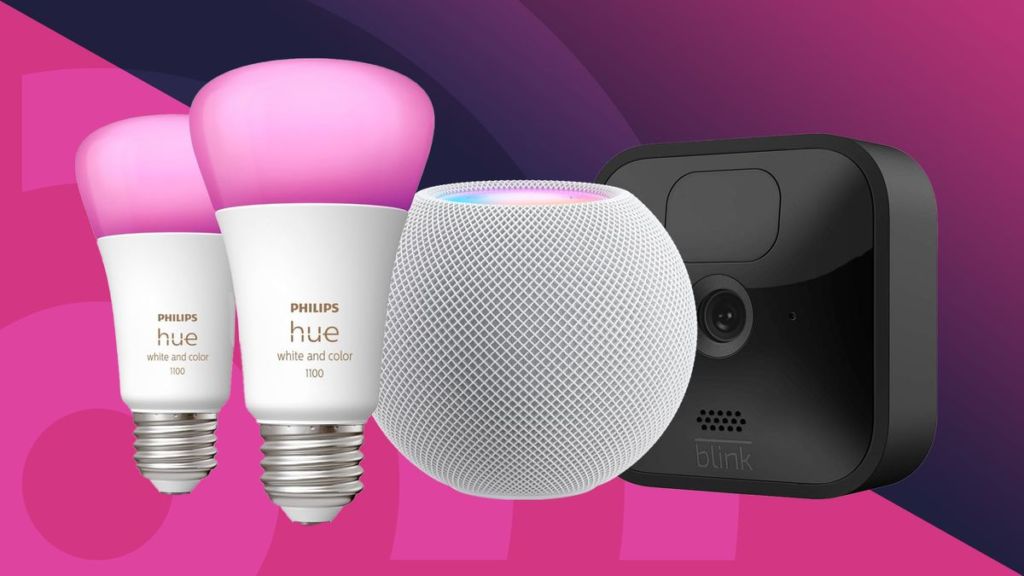
Smart Home Technology 2026: Best Devices for a Smarter Home
Smart home technology has become a practical part of everyday life. What once seemed like…

Best Cloud Software for Businesses and Teams in 2026
Think about how much of your work happens online today. Files are shared through links,…
Best Online Privacy & Security Tools in 2026: Top Picks
Let’s be honest about what taking back your digital privacy actually feels like. You read…

Semiconductor Technology Trends 2026: The Future of Chip Innovation
If you are reading this on a phone, a laptop, or even a tablet mounted…
Online Shopping Trends 2026: Smart Ways to Shop for Tech
Let’s be honest about buying electronics online Shopping right now: the sheer volume of options…