
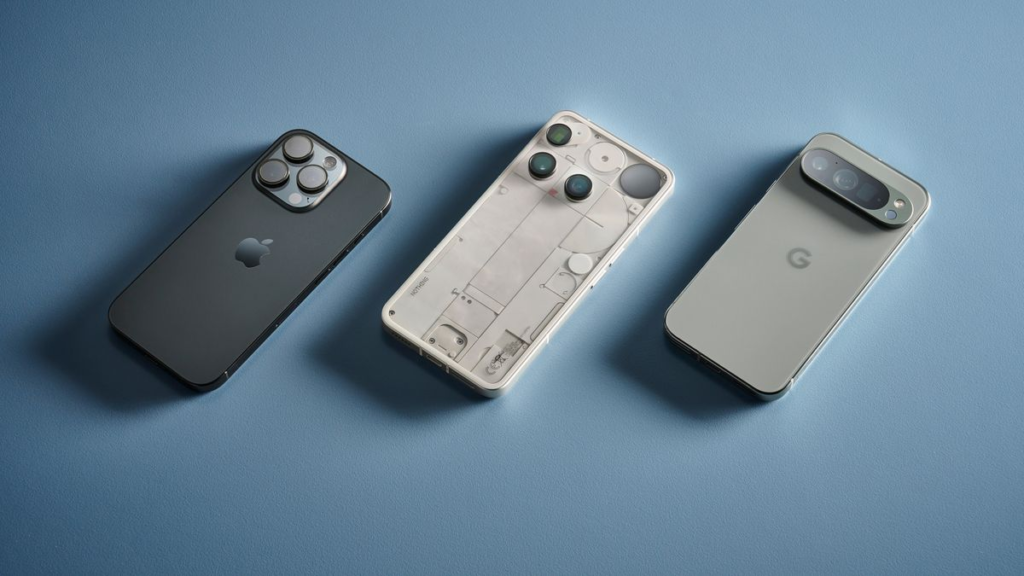
Let’s be honest for a second. Walking into a store—or scrolling through online tech sites—to buy a new smartphone in 2026 feels a lot like standing in front of a giant wall of cereal boxes. Every single brand claims they have the crispest display, the smartest artificial intelligence, and a camera setup that can somehow capture the craters on the moon.
It is completely overwhelming.
Here is the secret the tech industry doesn’t want you to stress over: You do not need to drop a full month’s rent to get a fantastic phone.
The era of “cheap phones being terrible” is completely behind us. Right now, even a solid mid-range device can easily handle 95% of what most of us do every single day. The trick isn’t finding the phone with the biggest numbers on its box; it’s finding the device that fits your actual, daily habits.
Whether you’re a parent trying to catch clear photos of a fast-moving toddler, a student on a shoestring budget, a mobile gamer, or someone who just wants a battery that doesn’t die by 3 PM—this guide cuts through the marketing fluff.
1. The Core Features That Actually Matter (And What You Can Ignore)
Spec sheets are deliberately designed to make you feel like your current phone is an antique. But when you strip away the hype, only a few things truly dictate whether you’ll enjoy using your phone day in and day out.
| Feature | What to Look For (Real-World Talk) | Who Needs to Care Most? |
|---|---|---|
| Display | High outdoor brightness & smooth 120Hz refresh | Binge-watchers, readers, & outdoor workers |
| Processor & RAM | Sustained performance, no thermal throttling | Gamers, video editors, & multi-taskers |
| Camera System | Good main sensor + solid computational software | Parents, travelers, & content creators |
| Battery Endurance | 1.5-day capacity or extreme software efficiency | Heavy users, commuters, & gig workers |
| Fast Charging | 45W+ wired speed (0 to 50% in ~20 mins) | Anyone who routinely forgets to plug in overnight |
| Software Support | At least 4 to 7 years of OS & security updates | People keeping their phones for 3+ years |
| Useful AI Tools | Practical tools (live translation, photo editing) | Note-takers, travelers, & productivity nerds |
The Display: Your Window to Everything
You’re going to look at this screen dozens—maybe hundreds—of times a day. Don’t worry too much about ultra-high 4K resolutions that you can barely distinguish with the human eye. Instead, focus on peak screen brightness (so you can read a map in blinding sunlight) and a high refresh rate (90Hz or 120Hz). A smooth display makes scrolling through long feeds feel snappy and responsive.
Performance: Smooth Beats “Super Fast”
Marketing teams love showing off raw benchmark scores. But peak speed means virtually nothing if the phone throttles its power down and gets scorching hot after 10 minutes of gaming. A well-optimized mid-range processor paired with decent RAM (8GB is the sweet spot for most people right now) will keep things fast without roasting your hands or draining your battery.
Cameras: Software Trumps Megapixels
A 100-megapixel camera sounds amazing on paper, but if the software behind it processes colors poorly, your photos will still look washed out or artificial. Today’s best phone cameras rely heavily on computational photography—the smart background algorithms that balance harsh light, clean up blurry motion, and make low-light shots look natural. Two great lenses (a strong main wide lens and a crisp ultrawide) will serve you far better than four cheap, low-quality lenses slapped on the back just to boost the feature count.
2. The AI Craze: Gimmick or Real Game Changer?

Artificial intelligence is packed into almost every smartphone launch announcement this year. But before you pay extra for “AI-powered performance,” let’s talk about what actually helps in daily life versus what just looks cool in a high-budget commercial.
Medium
- Genuinely Useful AI: Live voice call translations, smart audio transcription for lectures or meetings, quick photo fixes (like wiping an annoying billboard out of a family photo), and contextual search tools. Medium
- Marketing Fluff: AI-generated wallpapers you’ll change once and forget, quirky dynamic avatars, and heavily stylized filters that turn your personal photos into artificial art.
Rule of Thumb: If an AI feature doesn’t actively save you time or solve an annoying daily task, don’t pay a financial premium for it.
3. What Type of Smartphone User Are You?
Instead of looking at phones purely by brand name, look at them through the lens of your lifestyle. Here is how to match your daily habits directly to the right device specs.
| User Profile | Top Priority Features | What You Can Safely Skip |
|---|---|---|
| Students & Bargain Hunters | Battery endurance, build durability, long-term value | Top-tier 10x camera zoom lenses |
| Photo & Video Creators | Optical video stabilization, high internal storage | Ultra-fast niche charging standards (>100W) |
| Mobile Gamers | Thermal cooling systems, high touch-sampling RAM | Ultra-thin form factors that trap heat |
| Busy Professionals | Battery life, long-term software support guarantees | Elaborate manual camera shooting modes |
| Casual Daily Users | Clean software interface, comfortable ergonomics | Maxed-out storage & top-tier flagship chipsets |
The Everyday User
If your daily routine revolves around messaging, checking email, scrolling social feeds, watching YouTube, and taking casual snapshots, stop looking at $1,200 flagships. A clean, well-built mid-range phone will give you a bright screen, solid all-day battery life, and smooth performance for a fraction of the cost.
CNET
The Content Creator

If you’re making short-form video content, hosting live streams, or taking photos for a personal brand, your camera setup is your main tool. Look for devices offering strong optical image stabilization (OIS), clean microphone audio recording, high 4K video frame rates, and at least 256GB of internal storage so you don’t run out of room mid-shoot.
The Mobile Gamer
Mobile games are more demanding than ever. You’ll want a phone with a proven processor, active or passive thermal cooling (to prevent lag when the phone warms up), and a display with high touch-sampling rates so your inputs register instantly.
Medium
4. Don’t Fall into These Classic Smartphone Traps

We’ve all made impulse tech purchases we later regretted. When upgrading your device, keep an eye out for these frequent mistakes:
- Buying for Megapixels Alone: A 200MP sensor with a tiny physical lens and weak processing often takes worse real-world photos than a carefully tuned 50MP camera. CNET
- Ignoring the Update Policy: A cheap phone isn’t a bargain if the manufacturer stops sending security patches after 12 months. Look for brands guaranteeing at least 3 to 4 years of software maintenance. CNET
- Skimping on Storage: 128GB fills up surprisingly fast once system files, high-res photos, app caches, and media downloads add up. If you plan to keep your phone for three years, 256GB is the safer baseline.
- Forgetting Accessory Costs: Most modern smartphones no longer come with a charging brick in the box. Remember to factor in a high-speed wall adapter, a durable protective case, and a screen protector when calculating your final budget. Medium
5. Your Quick Checklist Before You Buy

Before clicking that “Checkout” button, walk through this quick personal sanity check:
- Budget Check: Have you set a hard spending cap that includes taxes and basic protective accessories? Medium
- Lifespan Expectations: Do you plan to hold onto this phone for 2 years or 4+ years? (If 4+, prioritize software update guarantees). CNET
- Storage Reality: Are you currently hovering near your storage limit on your old phone? If yes, step up to the next storage tier immediately.
- Network Compatibility: Does the device fully support your local carrier’s network bands, including eSIM support if you travel frequently?