
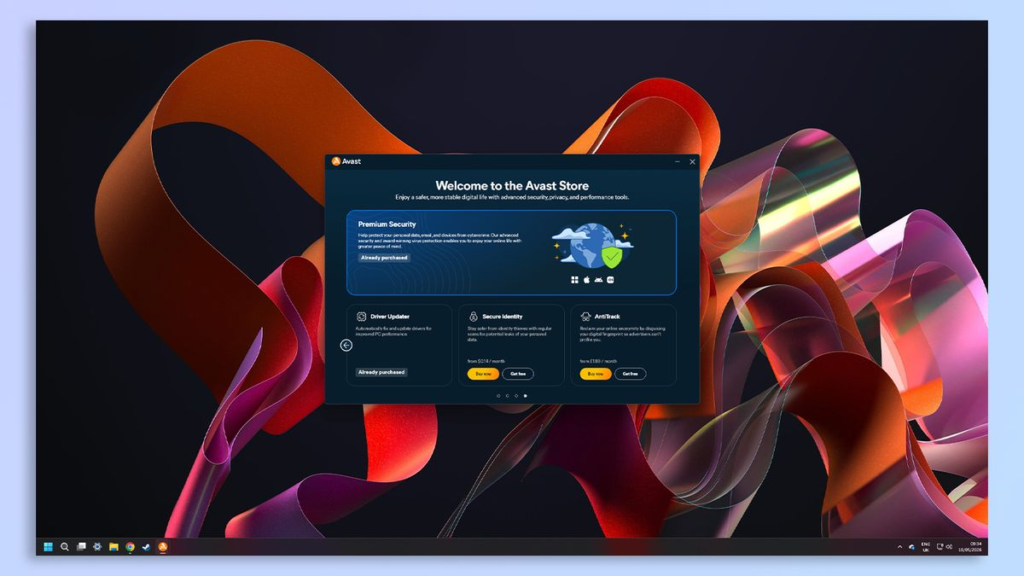
Let’s be honest for a second—most of us don’t wake up in the morning excited to shop for antivirus software. In fact, we usually don’t give digital security a single thought until something goes Antivirus visibly, terribly wrong.
A weird pop-up suddenly hijacked your screen, your laptop fan sounds like a jet engine taking off while you’re just trying to read a recipe, or you clicked a link in a delivery tracking text message and immediately got that cold pit in your stomach. That’s usually the exact moment we realize how vulnerable our digital lives really are.
Back in the day, avoiding viruses was pretty simple: don’t download weird .exe files from sketchy forums. But here in 2026, cyber threats don’t play by the old rules. Modern malware isn’t just trying to corrupt your computer for fun—it wants your banking passwords, your personal photos, your identity, or worse, it wants to lock your entire hard drive behind a ransomware paywall.
Because of this, modern security apps have turned into massive, Swiss-Army-knife tools. Beyond basic virus scans, they throw in VPNs, password vaults, dark web monitoring, and anti-phishing shields. But with dozens of companies claiming to be the absolute “best,” choosing one can feel overwhelming.
To help you cut through the marketing noise, we’ve broken down 10 of the most popular antivirus options available today—explaining what they actually do well, where they fall short, and who they’re genuinely meant for.
10 Top Antivirus Programs Tested & Explained
1. Bitdefender: The “Set It and Forget It” Powerhouse
If you want industry-leading protection but don’t want to become a cybersecurity expert just to keep your PC safe, Bitdefender is hard to beat. It consistently scores at the top of independent laboratory tests for malware detection, yet it manages to run quietly in the background without hogging your system resources.
What makes Bitdefender stand out is its intelligent “Autopilot” mode. Instead of constantly pestering you with confusing pop-up windows asking for permission every time a background process runs, it handles threats autonomously. The dashboard is clean, simple, and thankfully free of confusing technical jargon.
- The Real-World Experience: You install it, let it run its initial scan, and basically forget it’s there. You won’t notice any lag while editing photos, gaming, or streaming videos.
- Where It Shines: Autopilot automation, minimal system impact, top-tier malware protection.
- Best For: Everyday users who want maximum security with absolute zero hassle.
2. Norton: The All-in-One Security Swiss Army Knife
Norton is one of the oldest names in the game, but it has evolved far beyond the resource-heavy, annoying software you might remember from a decade ago. Today’s Norton (specifically Norton 360) is designed to be an all-encompassing digital safety net.
Rather than just stopping bad files, Norton bundles in almost every privacy tool imaginable: a fast virtual private network (VPN) with unlimited data, a solid password manager, dark web identity monitoring, and secure cloud backup space. If you want a single subscription to handle every aspect of your online privacy, Norton is built for you.
- The Real-World Experience: It’s feature-heavy. You’ll get occasional notifications reminding you to set up your cloud backup or turn on your dark web monitoring, but the protection is rock-solid.
- Where It Shines: Feature density, integrated VPN, generous cloud backup storage, identity theft alerts.
- Best For: Power users who want every single security tool under one roof.
3. McAfee: Household Protection for Multi-Device Chaos
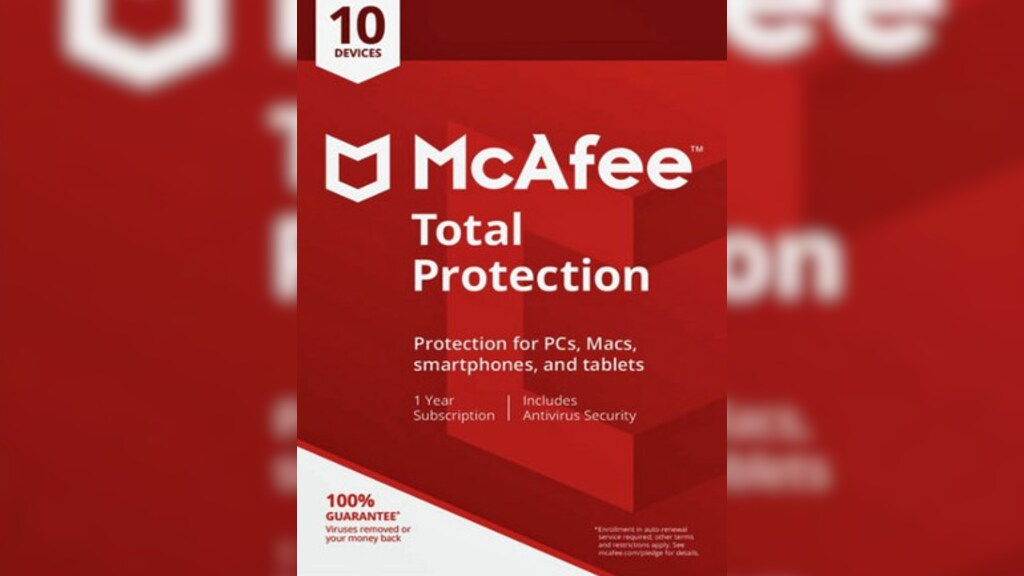
Let’s face it—the average home today is a chaotic web of connected devices. Between smartphones, tablets, work laptops, and family PCs, keeping track of individual security licenses is a nightmare. This is where McAfee shines.
McAfee’s flagship plans focus heavily on multi-device and whole-family coverage. They offer plans that cover an unlimited number of devices, meaning you can secure your laptop, your spouse’s tablet, and your kids’ phones without constantly hitting a license cap. It also includes intuitive parental controls to help keep children safe from inappropriate content and excessive screen time.
- The Real-World Experience: The interface is very approachable, making it easy to send installation links straight to your family members’ phones or computers.
- Where It Shines: Unlimited device plan options, robust parental controls, user-friendly cross-platform support.
- Best For: Large families and households crammed with tech.
4. Kaspersky: Ultra-Reliable Background Defense
Kaspersky has long earned a reputation among tech enthusiasts for having some of the most sophisticated malware detection algorithms in the cybersecurity world. It excels at spotting “zero-day” threats—brand-new bugs and exploits that haven’t even been officially documented yet.
Whether you’re opening strange email attachments, clicking through unfamiliar websites, or downloading files for work, Kaspersky acts like an invisible guard. Its webcam protection and anti-phishing engines are remarkably aggressive at blocking unauthorized access to your private hardware and data.
- The Real-World Experience: It operates with surgical precision. It catches malicious code instantaneously without dragging down your browser speeds or delaying file downloads.
- Where It Shines: Raw malware detection accuracy, anti-phishing protection, webcam shields.
- Best For: Users who spend high-risk hours online and want uncompromising file inspection.
5. Avast: Straightforward, User-Friendly Defense
Avast built a massive global user base by offering accessible, easy-to-understand security tools. Its modern dashboard is sleek, colorful, and clearly explains what each feature actually does—a massive plus if traditional technical menus make your eyes glaze over.
Avast does an excellent job of blocking sketchy downloads, scanning home Wi-Fi networks for weak spots, and stopping malicious websites before they load. It offers a great entry-level experience that protects you during day-to-day browsing without throwing complex configuration options in your face.
- The Real-World Experience: Navigation is smooth and intuitive. However, free versions will occasionally prompt you with upgrade offers for their premium features.
- Where It Shines: Beautiful user interface, simple Wi-Fi network auditing, easy-to-understand security scores.
- Best For: Beginners and non-tech-savvy users who want simple digital safety.
6. AVG: No-Nonsense Everyday Security
Under the hood, AVG shares much of its core security tech with Avast, but it presents it in a darker, more stripped-back, utilitarian format. If you hate flashy animations and just want straightforward buttons that say “Scan Computer” or “Block Web Cams,” AVG delivers.
It focuses heavily on the basics: stopping malicious email attachments, warning you about fake shopping sites, and cleaning out harmful browser add-ons. It gets the job done without distracting you from your daily work.
- The Real-World Experience: Clean, dark-mode interface that stays out of your way until it detects a real threat.
- Where It Shines: Straightforward controls, dependable email scanning, low footprint.
- Best For: Practical users who want low-maintenance daily protection for standard web tasks.
7. ESET: Built for Speed, Gamers, and Performance Enthusiasts
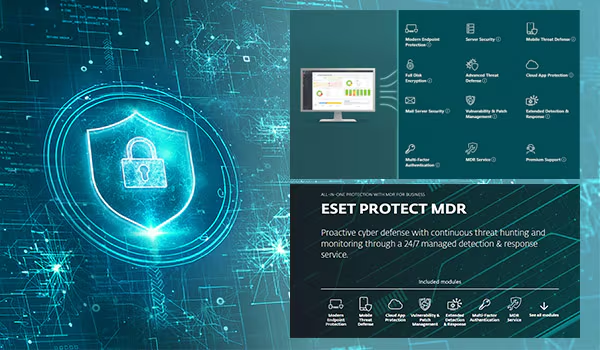
Traditional antivirus programs can sometimes cause micro-stutters during heavy PC gaming, video editing, or 3D rendering. ESET eliminates this issue entirely with a dedicated “Gamer Mode” that suppresses pop-ups and postpones background scans whenever you launch a full-screen app or game.
Ask any serious computer gamer or software developer what antivirus they use, and there’s a high chance they’ll say ESET. Known for its legendarily light footprint, ESET is engineered to consume as little system memory (RAM) and processor capacity as humanly possible.
- The Real-World Experience: You won’t even realize it’s running. Your frame rates stay high, your software loads instantly, and your PC remains fully protected.
- Where It Shines: Ultra-low system impact, detailed advanced settings, seamless background operation.
- Best For: Gamers, creators, and power users who refuse to compromise on PC speed.
8. Trend Micro: Your Guardrail Against Web Scams and Phishing
In 2026, you’re far more likely to fall victim to a fake web page designed to steal your credit card details than you are to download a traditional computer virus. Trend Micro recognizes this reality and puts heavy focus on web-based threat prevention.
Its web security engine actively evaluates websites in real time, instantly blocking malicious domains, fake login pages, and deceptive shopping platforms. If you have a habit of clicking links in promo emails or shopping on new, unfamiliar online stores, Trend Micro provides a crucial safety net.
- The Real-World Experience: It acts as a strict guardrail for your web browser, flagging dangerous search results before you even click on them.
- Where It Shines: Phishing detection, fake website blocking, social media privacy scanning.
- Best For: Online shoppers, heavy email users, and anyone prone to clicking before thinking.
9. Malwarebytes: The Digital Hazmat & Cleanup Squad
For years, Malwarebytes was the program everyone downloaded after their computer was already infected and messily compromised. While it still holds the crown as the ultimate emergency cleanup tool, its modern premium version now acts as a full-time, real-time security shield.
Malwarebytes specializes in hunting down sneaky threats that standard antivirus tools sometimes overlook—such as annoying adware, potentially unwanted programs (PUPs) that hijack your browser toolbar, and malicious browser redirects.
- The Real-World Experience: It’s like keeping a high-powered digital vacuum cleaner on standby. When standard scans fail to remove a stubborn pop-up, Malwarebytes usually nukes it in seconds.
- Where It Shines: Deep malware remediation, aggressive adware removal, lightweight scanning.
- Best For: Cleaning up already-infected machines and eliminating annoying pop-up adware.
10. Microsoft Defender: The Free, Built-In Contender
If you own a modern Windows PC, you technically already have an antivirus installed. Microsoft Defender comes built right into the Windows operating system, completely free of charge, with zero installation needed.
Years ago, built-in Windows security was a bit of a joke. Today, however, Microsoft Defender has transformed into a legitimate, formidable security suite. It updates automatically alongside your operating system, provides quiet real-time scanning, and includes ransomware protection via OneDrive cloud integration.
- The Real-World Experience: Completely invisible. No upselling, no subscription renewals, no extra apps taking up space on your desktop.
- Where It Shines: 100% free, zero configuration required, native Windows integration, no upsell pop-ups.
- Best For: Cautious Windows users looking for dependable baseline protection without spending a penny.
The Real-World Comparison Table
To help you figure out where these programs actually fit into your life, we’ve put together a realistic breakdown based on practical everyday needs rather than confusing tech specs:
| Antivirus Name | Real-World Vibe | Heavy on PC Resources? | The Best Feature You’ll Actually Use | Ideal User Profile |
| Bitdefender | “Quiet Guardian” | Very Low | Automated “Autopilot” threat fixing | People who want zero pop-ups and full safety |
| Norton | “The Digital Vault” | Moderate | Included unlimited VPN + Password Vault | All-in-one privacy seekers who want extras |
| McAfee | “Family Command” | Moderate | Whole-home multi-device licensing | Busy households with multiple phones & laptops |
| Kaspersky | “The Sharp Detective” | Low | Unmatched file & zero-day scan accuracy | Users dealing with sensitive files daily |
| Avast | “The Friendly Assistant” | Low–Moderate | One-click home Wi-Fi network auditing | Beginners who like clean, visual menus |
| AVG | “The Workhorse” | Low | Automatic dangerous email attachment blocking | No-nonsense users focused on daily office tasks |
| ESET | “The Speed Demon” | Extremely Low | Stealthy “Gamer Mode” performance preservation | PC gamers, video editors, and power users |
| Trend Micro | “The Scam Shield” | Moderate | Real-time fake shopping & phishing site blocker | Avid online shoppers and heavy email checkers |
| Malwarebytes | “The Hazmat Crew” | Very Low | Aggressive adware & browser-hijacker cleanup | People fixing an already glitchy PC |
| Microsoft Defender | “The Built-In Silent Partner” | Very Low | Zero cost, zero ads, pre-installed on Windows | Low-risk Windows users on a budget |
How to Realistically Choose the Right Option
Instead of picking the software with the longest feature list, sit back and think about how you and your family actually use your devices day-to-day.
                  [What is your primary online activity?]
                                     |
       +-----------------------------+-----------------------------+
       |                                                           |
[Casual Browsing & Streaming]                             [Shopping, Banking & Work]
       |                                                           |
  Do you pay for                                             How many devices do
  software subscriptions?                                    you need to cover?
   /         \                                                /         \
(No)         (Yes)                                      (Just 1 PC)    (3+ Family Devices)
  |            |                                             |              |
Microsoft    Avast /                                      Bitdefender /      McAfee /
Defender     Bitdefender                                  ESET           Norton 360
1. Assess Your Personal Risk Level
- Low Risk: You mostly visit major sites like YouTube, Wikipedia, and mainstream news outlets. You rarely download files from unfamiliar sources and know how to spot a fake email. Verdict: Microsoft Defender or a free version of Avast is likely all you need.
- Medium to High Risk: You shop on indie websites, download files for remote work, manage personal investments online, or share a PC with young kids or elderly family members who might click bad links. Verdict: Invest in Bitdefender, Trend Micro, or Norton.
2. Don’t Pay for Duplicate Tools
Before paying $80 a year for a premium security suite, check what tools you’re already paying for elsewhere. If you already subscribe to a standalone VPN service (like ExpressVPN or NordVPN) and use a dedicated password manager (like 1Password or Bitwarden), you don’t need to buy an expensive, bloated antivirus plan that includes those exact same tools. Choose a lightweight, dedicated scanner like ESET or Bitdefender instead.
3. Account for Your Hardware

If you’re running a high-end gaming desktop or a brand-new laptop with plenty of memory, most software will run fine. However, if you’re trying to keep an older, budget-friendly laptop running smoothly, avoid feature-heavy suites. Stick to lightweight software like ESET, Bitdefender, or native Microsoft Defender to keep your machine from crawling to a halt.
Free vs. Paid: Do You Actually Need to Spend Money?
This is the number one question most people ask. The honest answer? It depends entirely on your online behavior and who else uses your computer.
+-------------------------------------------------------------------------+
|                              FREE TIER                                  |
| Includes: Standard file scanning, basic virus removal, built-in firewall. |
| Best for: Smart single users, basic Web browsing, budget systems.        |
+-------------------------------------------------------------------------+
                                    |
                                    v
+-------------------------------------------------------------------------+
|                              PAID TIER                                  |
| Includes: Real-time ransomware shields, dark web monitoring, VPNs,     |
|           anti-phishing protection, password vaults, webcam guards.      |
| Best for: Online banking, multi-device homes, children & seniors.       |
+-------------------------------------------------------------------------+
- When Free is Enough: If you are the only person using your computer, you maintain healthy browsing habits, and you keep your operating system updated, free protection works great. Modern free options stop the vast majority of traditional malware dead in its tracks.
- When Paid is Worth It: Paid software is less about catching standard viruses and more about buying an active safety net. Paid tiers give you active ransomware shields (which stop unauthorized programs from encrypting your personal photos and documents), anti-phishing guards for online banking, and parental controls. If a mistake on your computer could compromise your family’s finances or work files, paying $30 to $60 a year for premium protection is cheap peace of mind.
4 Human Habits That Beat Any Antivirus
Here’s a dirty little secret the cybersecurity industry won’t put on their billboards: No antivirus software on Earth can protect you from a bad decision. If you type your banking password into a fake website or give a scammer remote access over the phone, software can’t save you.
Pair your software with these four crucial real-world habits:
- The “Hover First” Rule: Before clicking any link in an email or text message—especially ones claiming your account is suspended or a package is delayed—hover your mouse cursor over the link. Look at the actual web address. If “Amazon” is spelled “amaz0n-security-update.com”, it’s a scam.
- Turn On Two-Factor Authentication (2FA): Enable 2FA on every single important account you own (email, banking, social media). Even if a malicious website manages to steal your password, they still won’t be able to log in without the temporary code sent to your phone or authenticator app.
- Keep System Updates Automated: Software updates aren’t just there to add new emojis—they contain critical security patches that fix known loopholes. Set your Windows, macOS, iOS, and browser updates to install automatically while you sleep.
- Follow the 3-2-1 Backup Strategy: Antivirus can fail. Drives can crash. To ensure you never lose your precious memories or critical files, keep 3 copies of your data, across 2 different types of media (e.g., an external hard drive and cloud storage), with 1 copy kept off-site.